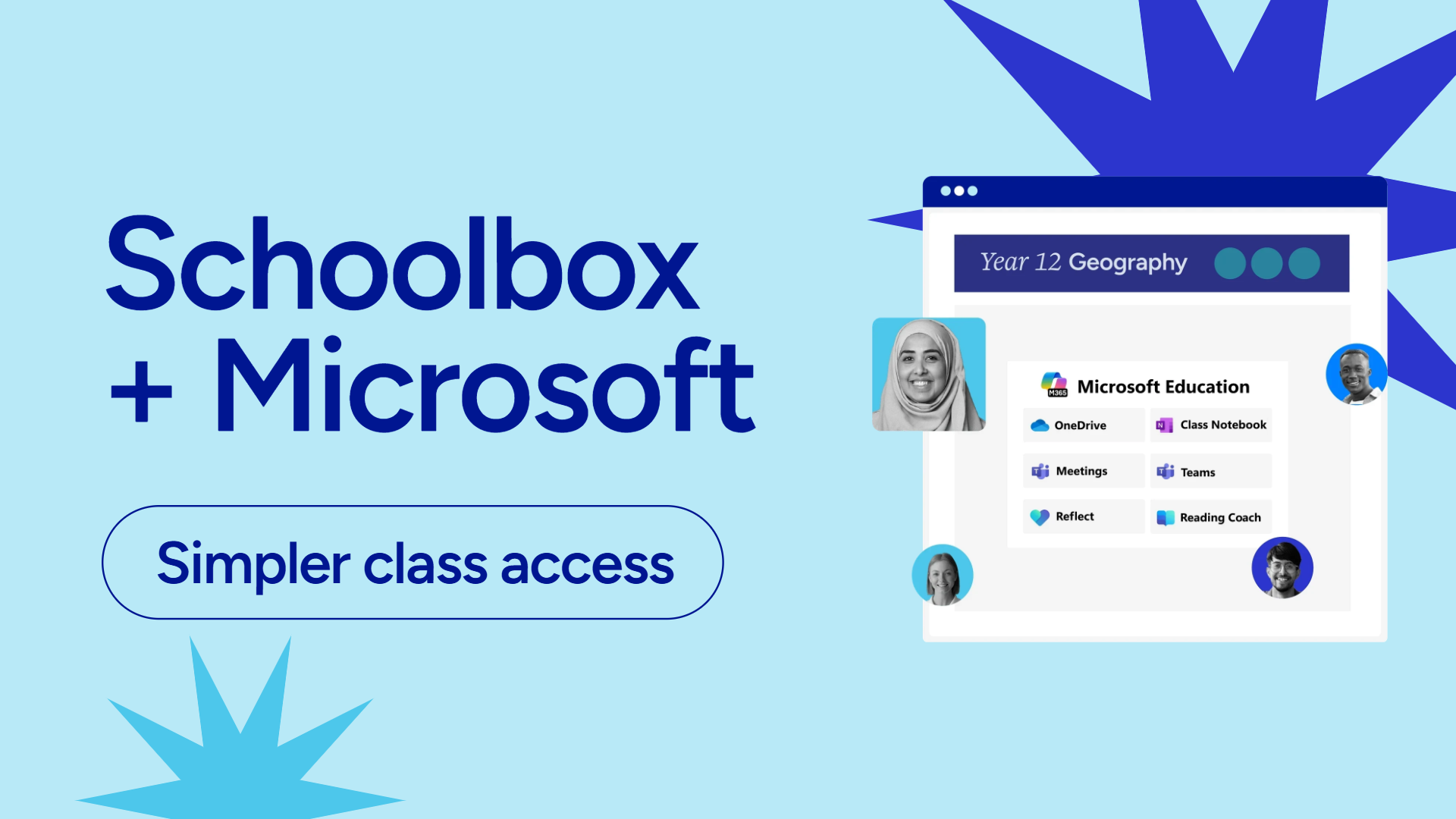
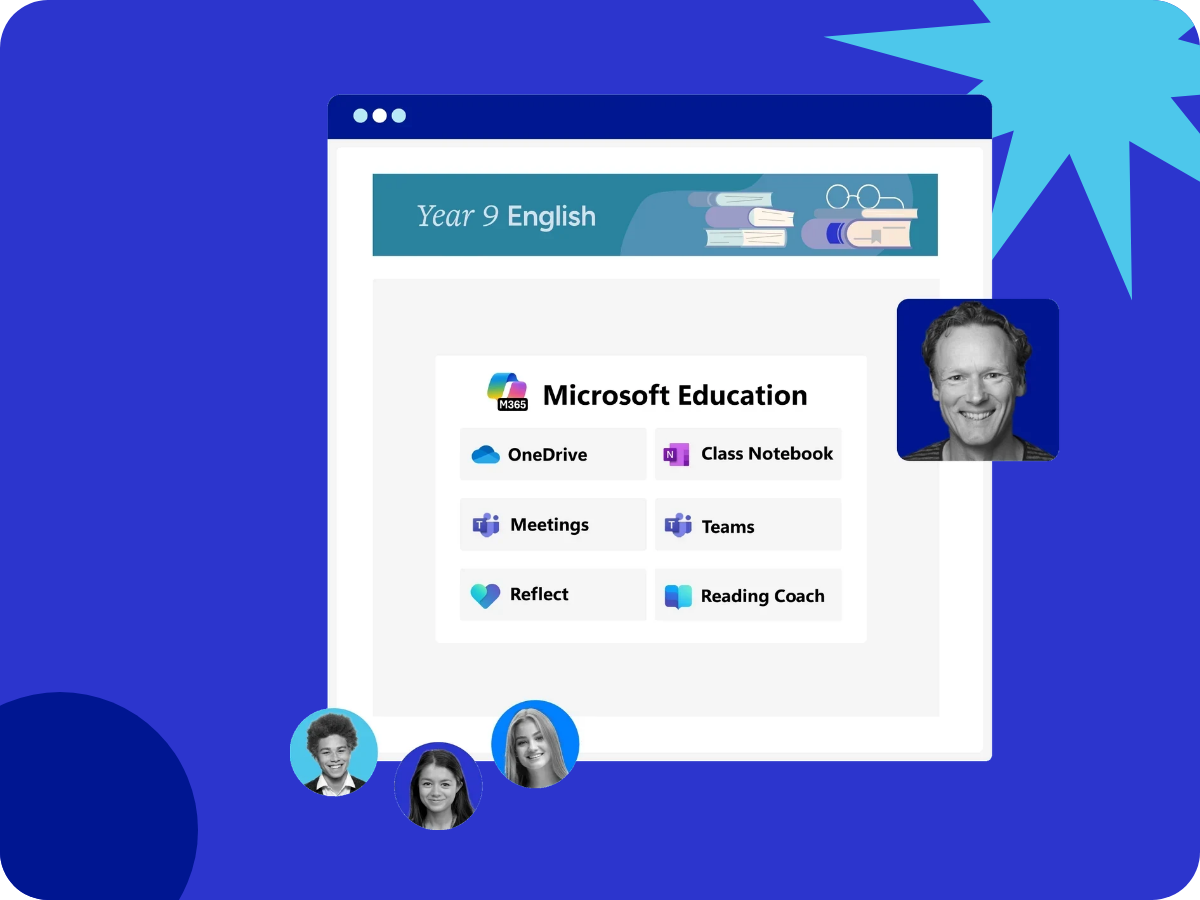
Keep Schoolbox at the centre of learning, and give teachers and students the Microsoft tools they already know, right from their class pages and assessments.
The integration uses LTI, a standard way for learning platforms to connect, to share your Schoolbox class information with Microsoft 365. Your school chooses which tools are available, and teachers choose what’s visible in their class.
What the integration brings
One place to start
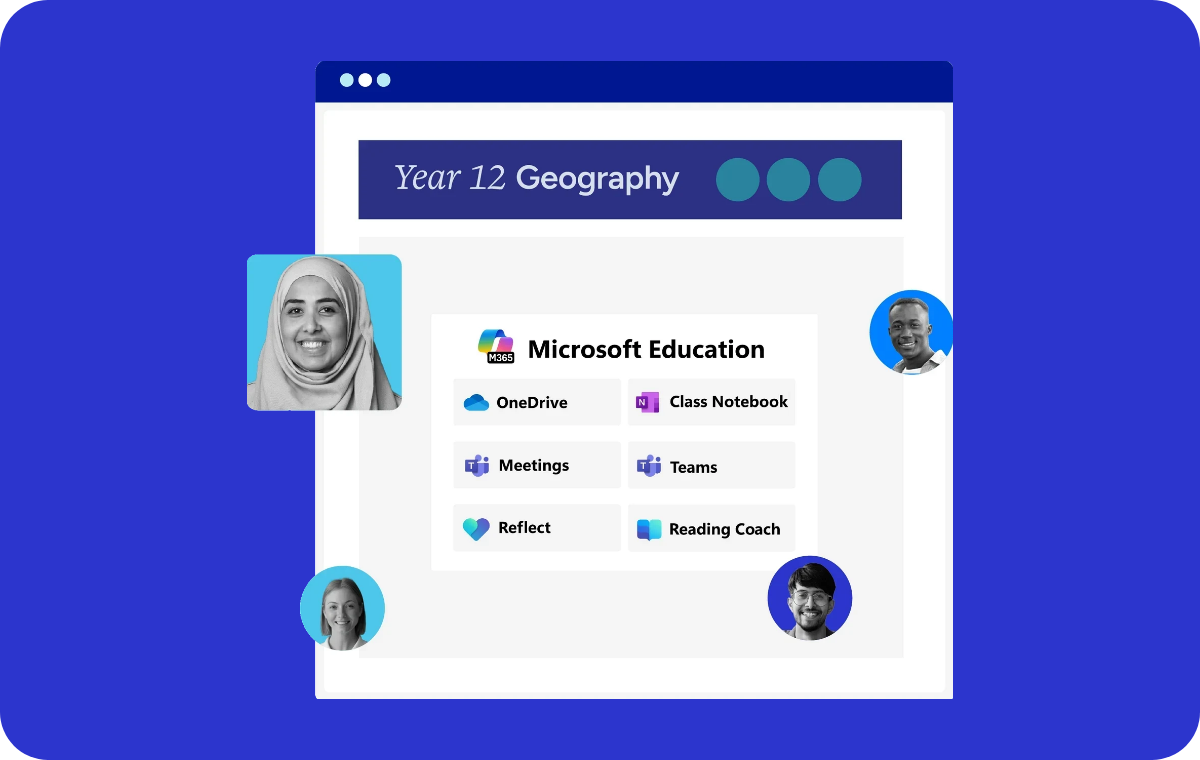
Microsoft tools, documents and assignments open from Schoolbox class pages and learning activities.
Access that follows your classes
Access to Microsoft tools is based on Schoolbox class enrolments, so there’s less to set up and maintain separately.
Assessment stays connected
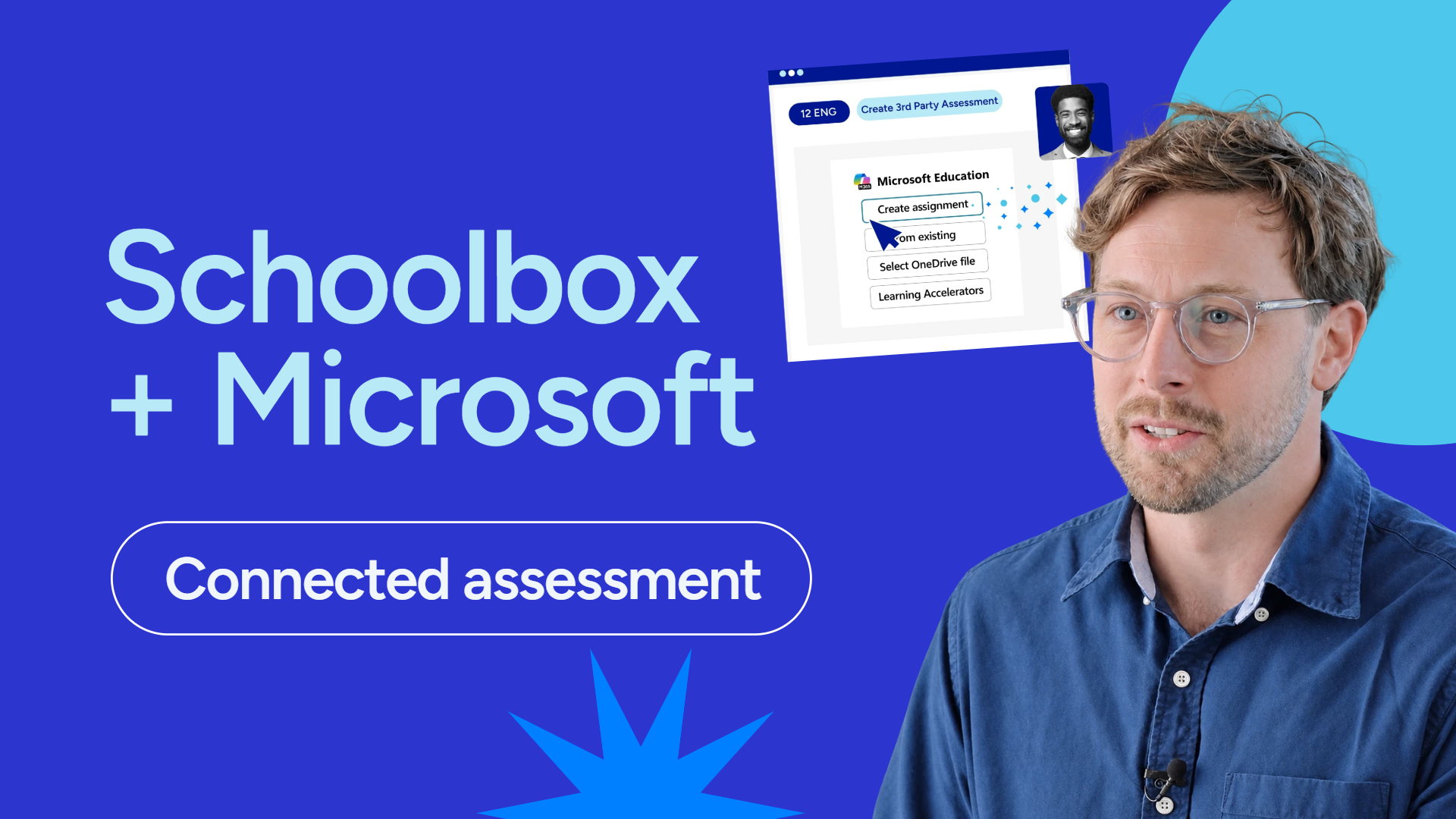
Microsoft assignments run through Schoolbox assessment, with grades and supported feedback returning to the markbook.
More ways to learn
Microsoft tools for reading, maths, speaking, research and reflection, alongside shared Word, Excel and PowerPoint files.
Plus, a Team for every class is optional. Use Microsoft learning tools and assignments without creating a Team for every class.
How it works
Schoolbox at the centre. Microsoft in the flow of learning.
Your Schoolbox classes and enrolments are the starting point. LTI shares that class context with Microsoft 365, and supported results come back to the Schoolbox markbook.
Start in Schoolbox. Add Microsoft tools or an assignment to a class page. Access follows your class enrolments.
Work in Microsoft 365. Students and teachers use the Word, OneNote and Microsoft assignment tools they already know.
Back in Schoolbox. Grades and supported feedback land in the markbook.
Your school chooses which tools are available; teachers choose what’s visible in each class.
Simplify Microsoft class setup with Schoolbox Scott Newman, Product Owner, Schoolbox · 2:23
For Schoolbox administrators, IT teams and teaching and learning leaders.
Save your spot
Register for the webinar
Can’t make it on the day? Register anyway and we’ll send you the recording.
Built for IT, teachers and learning leaders
Across your team
A good Microsoft 365 setup is a shared decision. IT shapes how the integration is configured, teachers shape how it’s used in class, and leaders set the direction for both. Here’s what it brings to each:
For IT and administrators
Microsoft tools, with school-level control
Choose which apps are available, set the defaults and decide whether teachers can create Teams. Access follows Schoolbox class enrolments.
For teachers
The tools you know, in the workflows you already use
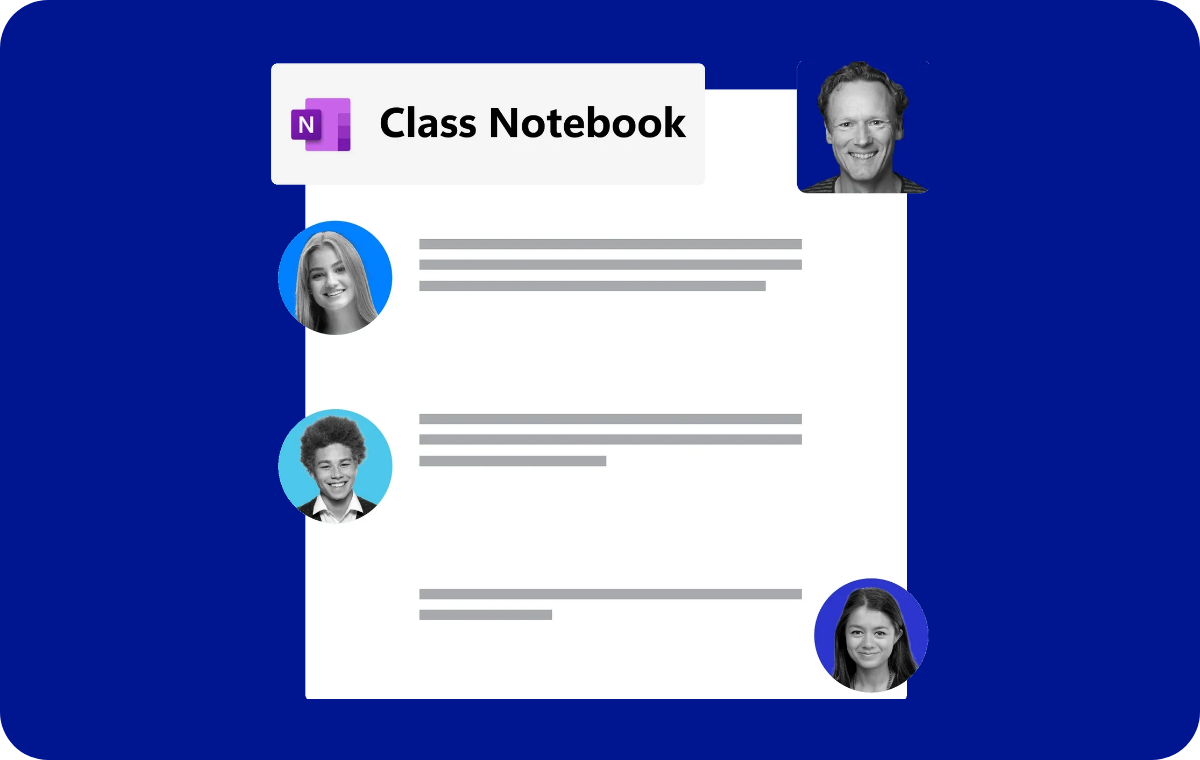
Add shared Word, Excel and PowerPoint files, OneDrive resources and a OneNote Class Notebook to a class page, and attach Microsoft assignments to Schoolbox assessments.
For teaching and learning leaders
A consistent model, without one way to teach
Set an approved toolset for the school, support reading, maths, speaking and research, and see returned grades alongside other Schoolbox results.
See it in Schoolbox
Video series
Three short walkthroughs with Scott Newman, Product Owner at Schoolbox. About two minutes each.
For IT and administrators
Simplifying Microsoft class access with Schoolbox
How your Schoolbox classes and enrolments can be the starting point for access to Microsoft tools.
Your teachers already know the tools. Schoolbox brings curriculum planning, assessment and feedback together with community communication, and puts familiar Microsoft tools right where learning happens.