
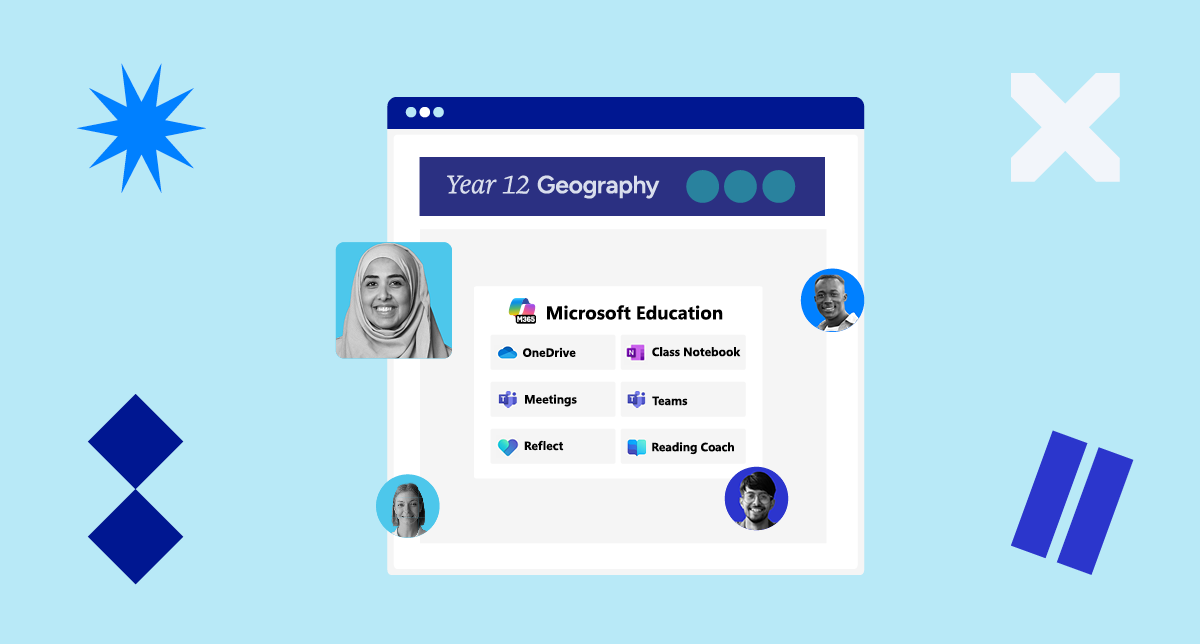
Are your teachers using OneNote, Word, Teams, Class Notebook, Reflect or Reading Coach in their day to day?
In many schools, these tools are part of everyday teaching practice but often sit just outside the classroom platform, requiring staff and students to move between systems.
Schoolbox now brings these tools directly into lessons and coursework so they sit alongside instructions, discussions and submissions, rather than being accessed separately.
Start your lesson in one place
Teachers can launch Microsoft tools like Word, OneDrive and Teams directly from within Schoolbox.
Instead of sending students to links or explaining where to go next, everything they need is accessible from the lesson itself.
Bring content and context together
Microsoft documents and resources can be embedded directly into lesson pages and activities, alongside instructions, discussions and tasks.
Students don’t need to search for files or switch between tabs; they can view, read and work on resources in context, making lessons easier to follow from start to finish.
Keep the learning workflow connected
Teachers can set tasks using Microsoft tools, have students complete their work, and review or provide feedback all within Schoolbox.
This connects the full learning process, from setting the task through to submission and feedback, without needing to move between systems.
Designed for how schools actually work
Most schools aren’t looking to replace the tools they use. They’re looking to make them work better together.
This update brings Microsoft tools into the flow of Schoolbox, helping schools reduce fragmentation and create a more consistent experience for both staff and students.
Curious how these updates could support your school? We’re always happy to chat.