
Schools are navigating increasing complexity across learning, wellbeing, and day-to-day operations. This latest set of enhancements focuses on three areas where schools have told us support matters most: deepening learning conversations, supporting inclusive and personalised practice, and reducing administrative friction.
Together, these updates help schools work more intentionally, with clearer insight and better coordination across the platform.
AI Discussion Activity
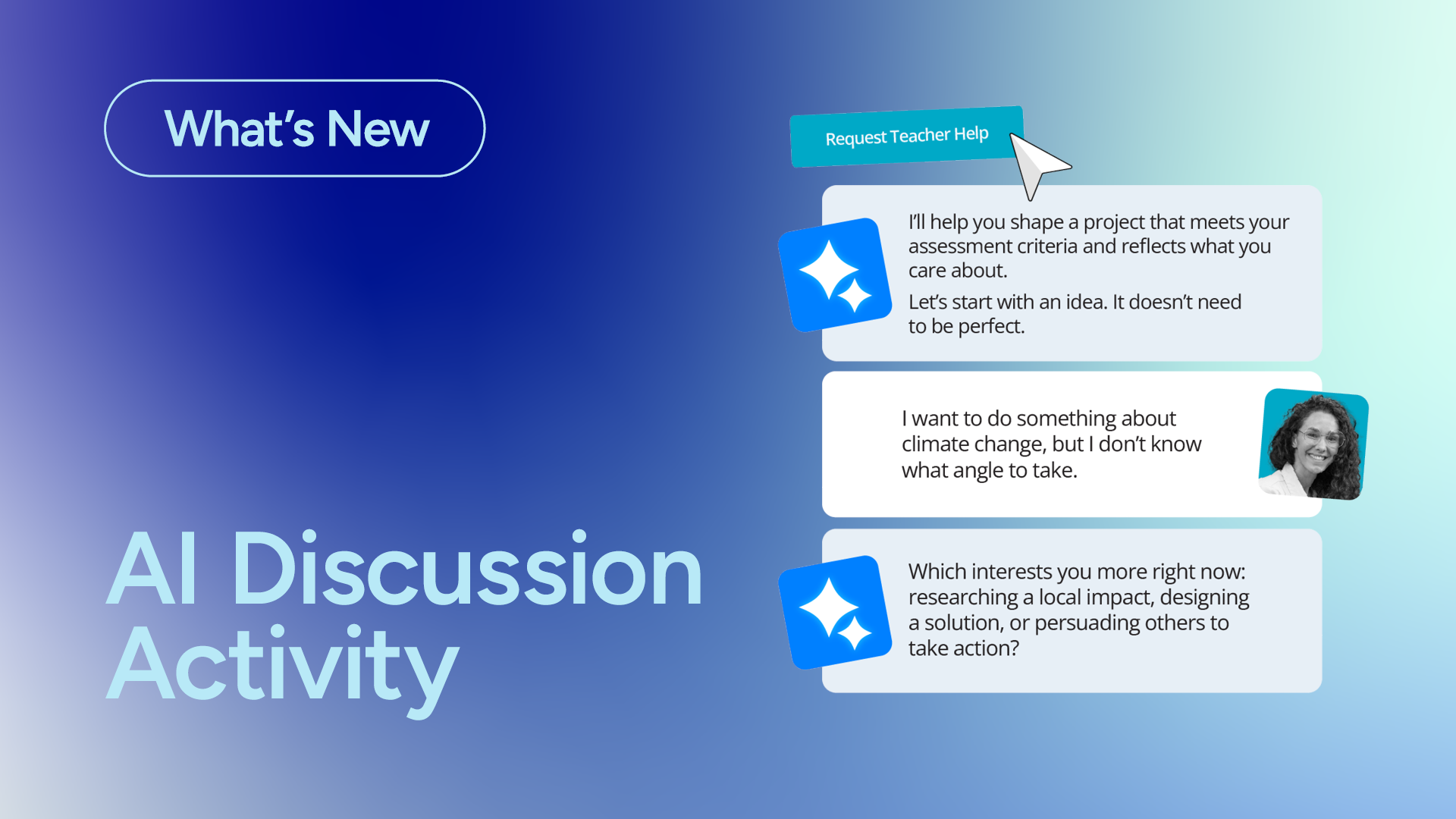
Guided, educator-aware AI conversations built directly into classroom activities
The new AI Discussion Activity is one of Schoolbox’s most significant learning enhancements to date. Designed specifically for education, it gives teachers a structured, safe way to facilitate meaningful one-on-one learning conversations at scale, without losing professional judgement or oversight.
Teachers can create scaffolded AI discussions that guide students through a range of learning scenarios, including:
- Self-reflection, to help students think critically about their learning and set goals.
- Project ideation, supporting students to design work that reflects both curriculum outcomes and personal interests.
- Socratic tutoring, offering additional learning support at a student’s pace, including outside class time.
- Character interviews, enabling students to explore perspectives, motivations, and ideas through guided dialogue.
Throughout each interaction, the AI operates within clear educational guardrails. After each discussion, teachers receive a concise summary aligned to assessment criteria, providing insight into student engagement, understanding, and next steps without needing to read every exchange.
The result is deeper learning dialogue, supported by AI, with educators firmly in control.
Differentiation Profiles & AI Differentiation
Clear learner insight, available where teachers need it most
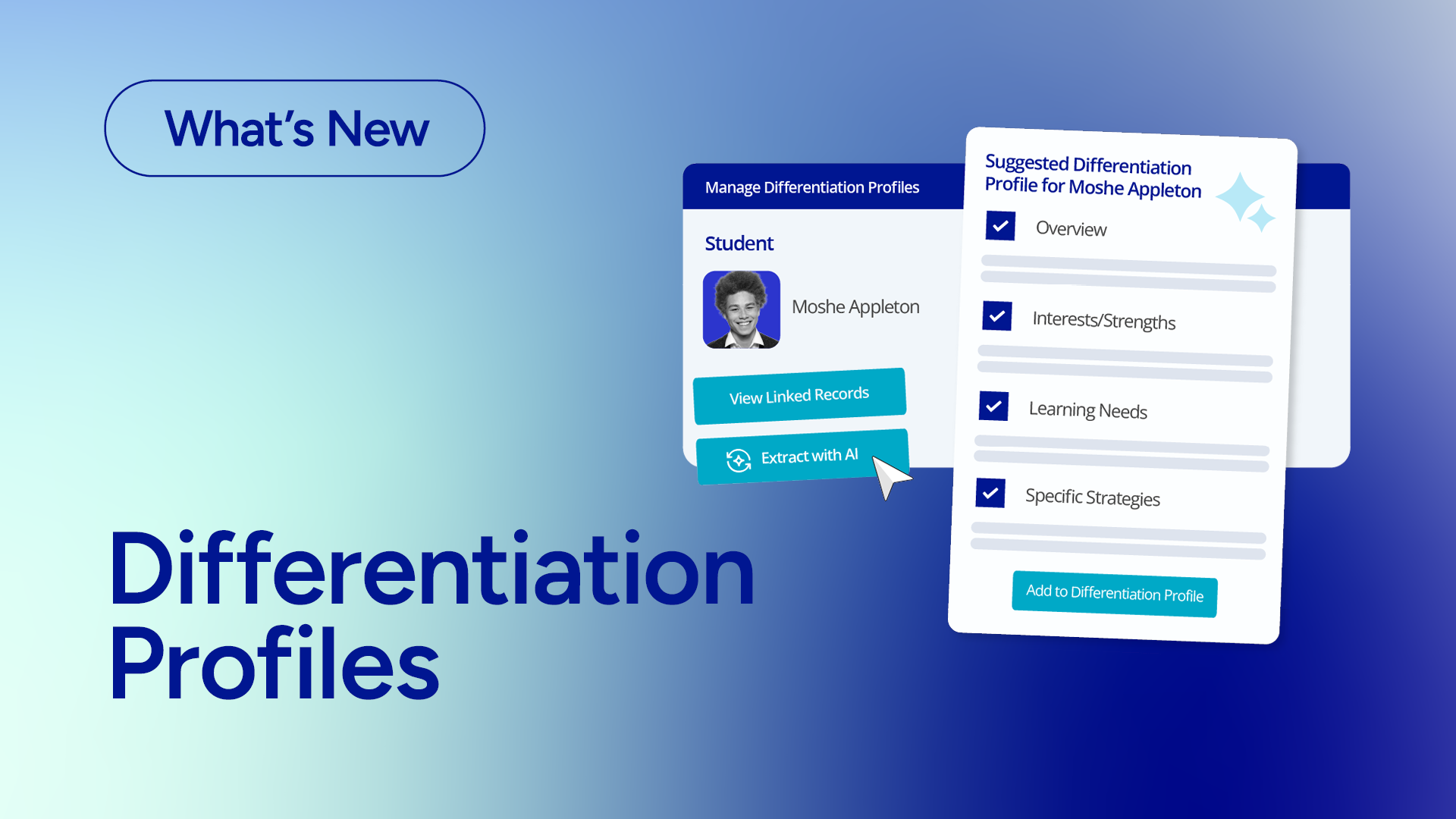
Supporting inclusive and personalised learning requires the right information at the right time. Student Differentiation Profiles give teachers quick access to key learner information in a clear, consistent format, helping them tailor learning confidently and fairly.
Drawing on existing ILP and IEP records, differentiation profiles surface important learning attributes such as:
- Learning preferences and strengths.
- Support needs and required adjustments.
- Context teachers need to plan effectively.
Schools retain full control over how these profiles are created and managed. A dedicated Differentiation permission determines who can create and update profiles, and profiles can be customised to align with school policies and expectations.
When linked pastoral records are shared, a new AI capability can securely and anonymously extract relevant details to help auto-populate profiles, significantly reducing setup time while maintaining governance and care.
Once created, differentiation profiles appear directly within teaching workflows, including student profiles, class lists, and the Student Participation page. When planning activities, teachers receive AI-assisted differentiation considerations based on both the learner profile and the task at hand, acting as an intelligent assistant to support inclusive practice without replacing professional judgement.
Book Resources via the Calendar
Simpler scheduling with clearer visibility.
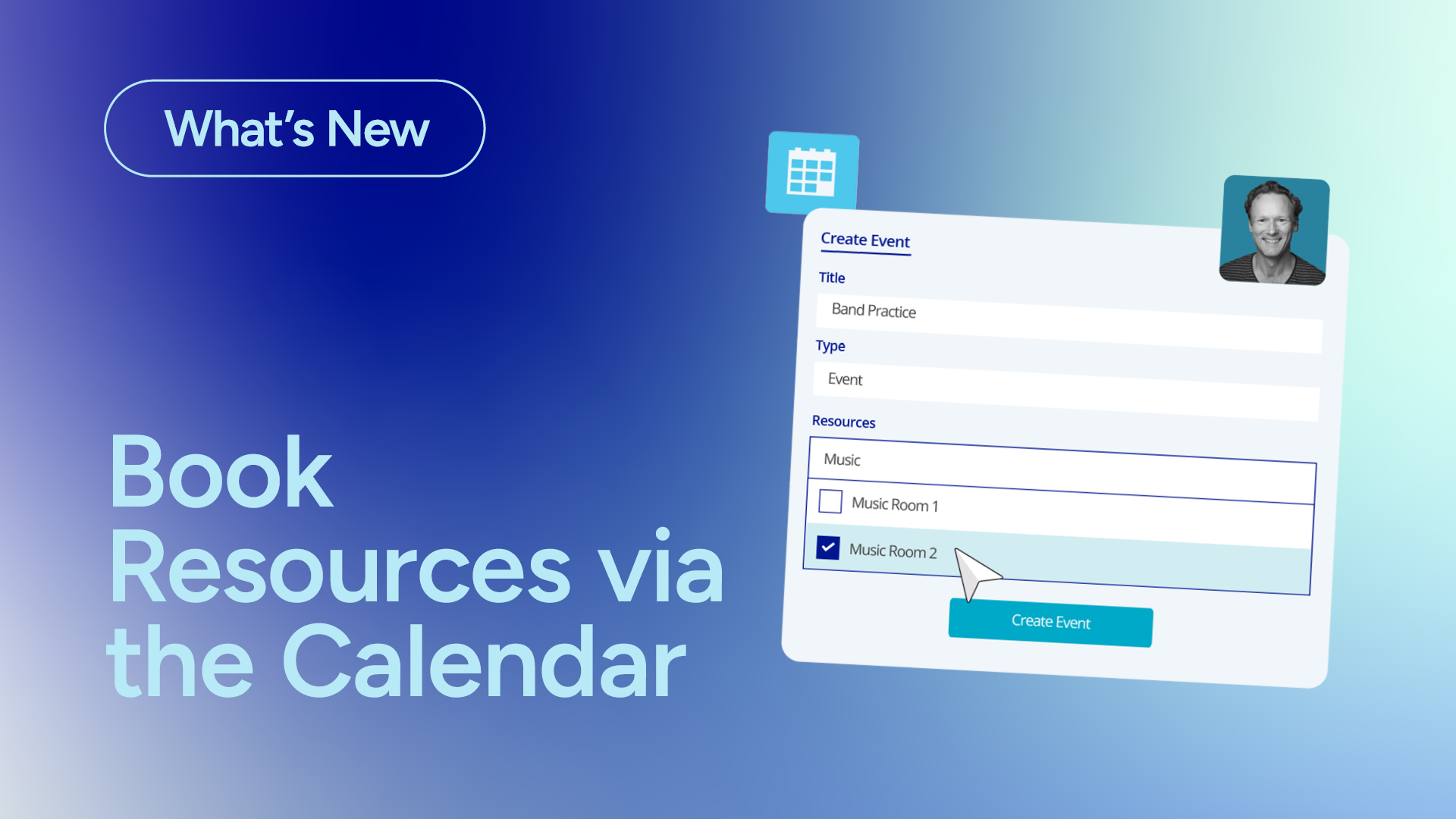
This update also introduces a more streamlined way to manage rooms and shared resources. Schools can now book resources directly alongside calendar events, making it easier to coordinate spaces, equipment, and approvals in one place.
When creating or editing calendar events, staff can:
- Select required rooms and resources from an available list.
- See current booking status and approvals at a glance.
- Adjust events knowing resource bookings will stay in sync.
To support smooth operations, schools can resolve booking clashes through:
- An updated homepage moderation component for resource bookings.
- A refreshed resource booking report for clearer oversight.
By linking resources directly to events, schools reduce double-handling, minimise clashes, and save valuable administrative time.
Each of these enhancements reflects Schoolbox’s ongoing focus on reducing complexity, supporting educators, and keeping schools in control. Whether through governed AI capabilities, clearer learner insight, or more efficient operational tools, these updates are designed to work together as part of one connected platform.
Curious how these updates could support your school? We’re always happy to chat.